One app. All the tools. No command line required.
🔥
Burn Discs
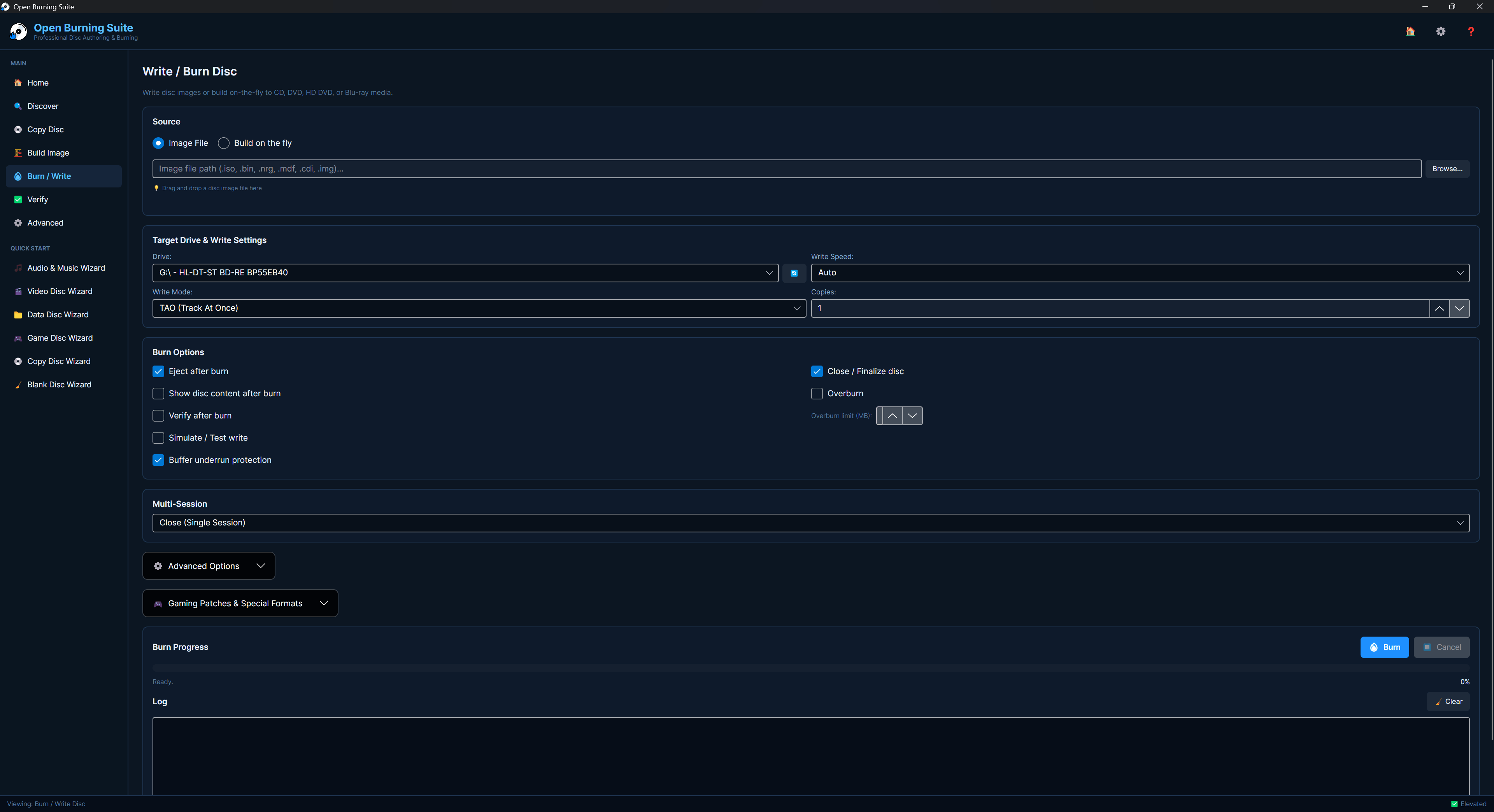
Burn CD-R/RW, DVD±R/RW, DVD-RAM, HD DVD, BD-R/RE, BDXL and M-DISC. Supports TAO, SAO, DAO and RAW write modes with simulation, overburn and multi-copy.
📀
Read Discs
Read discs to ISO, BIN/CUE, CHD, CCD/IMG/SUB, NRG, MDF/MDS and more. Raw 2352-byte sector extraction, subchannel data and audio paranoia modes.
🏗️
Build Images
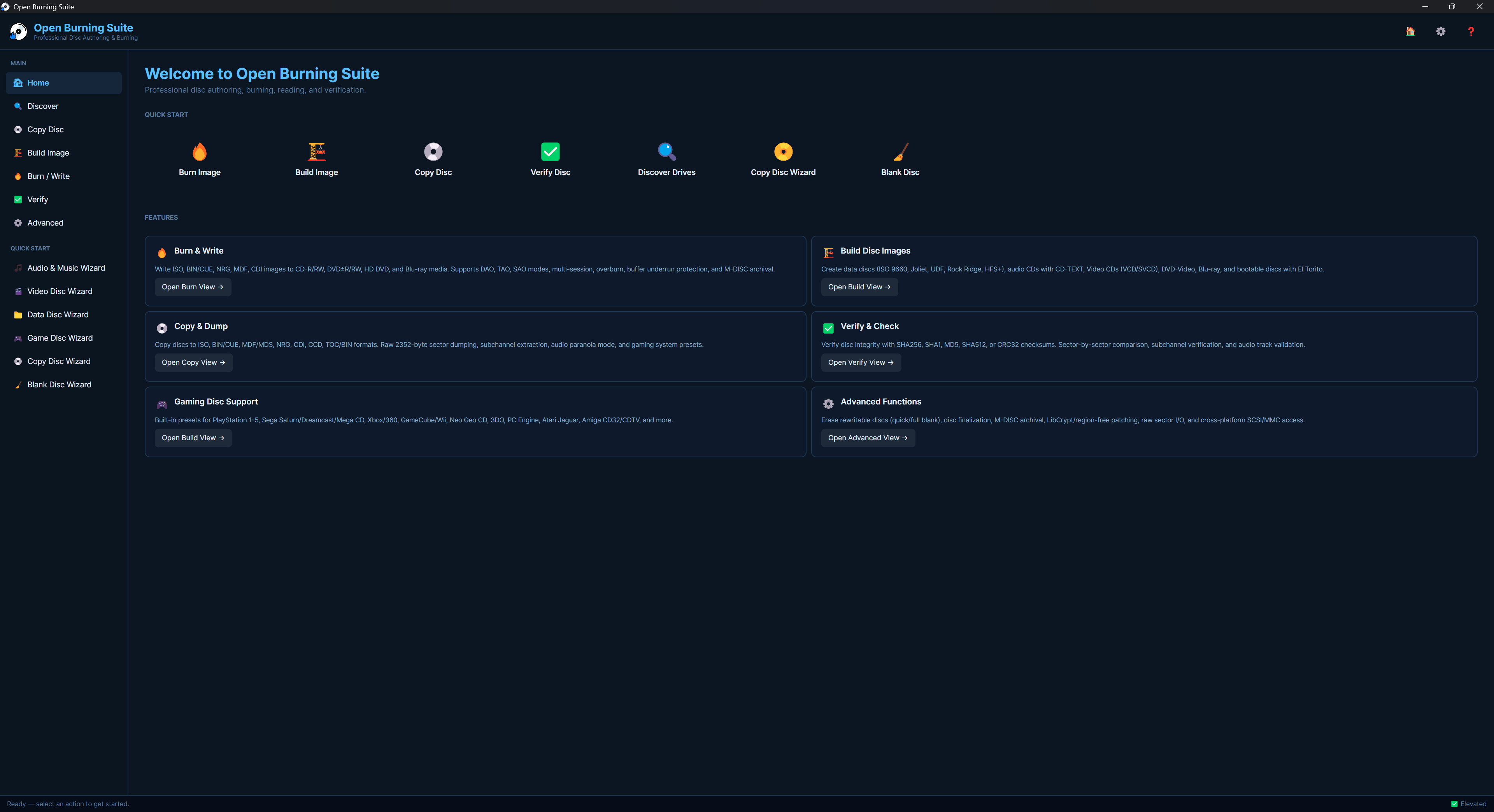
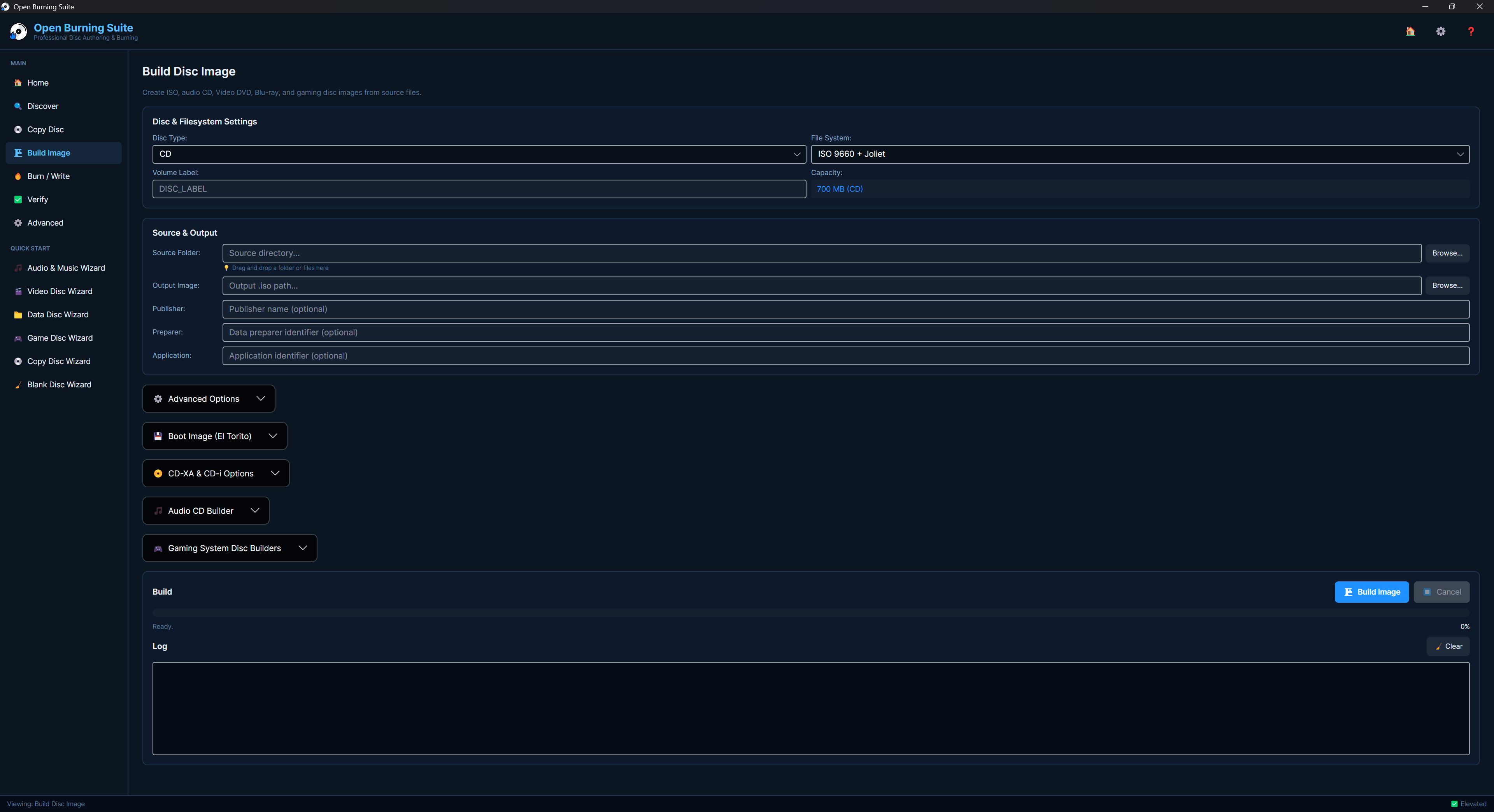
Create ISO 9660, Joliet, UDF, Rock Ridge and HFS+ disc images from files and folders. Build bootable El Torito discs, VCD/SVCD and audio CDs with CD-TEXT.
✅
Verify Integrity
Sector-by-sector verification with CRC32, MD5, SHA-1, SHA-256 and SHA-512 checksums. Compare discs to images for complete confidence.
🎮
Gaming Presets
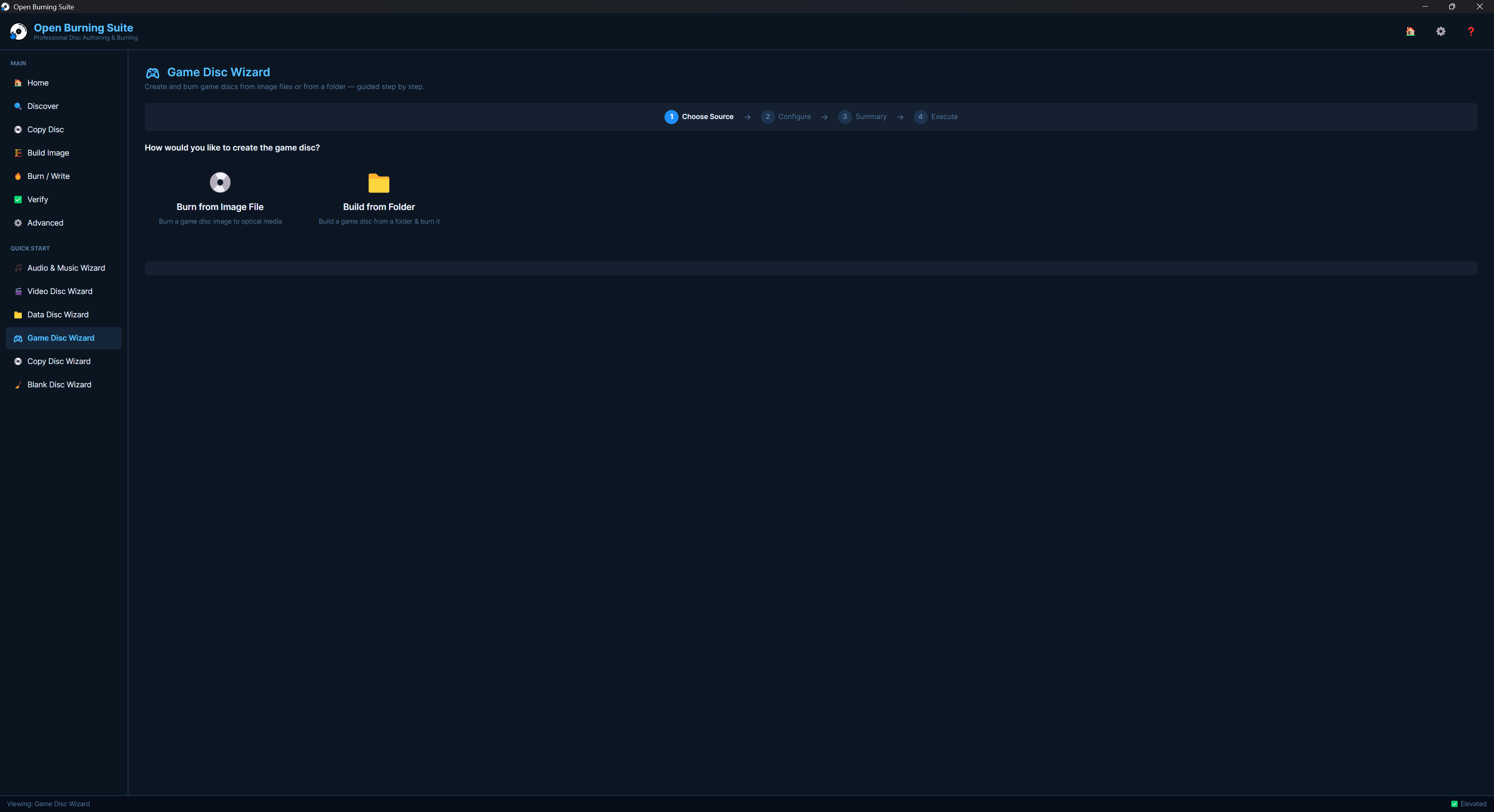
Built-in presets for PlayStation 1-5, PSP, GameCube, Wii, Dreamcast, Saturn, Xbox, Xbox 360, Neo Geo CD, 3DO, CD-i and more. LibCrypt, region-free and boot-sector patching.
🎬
Video Authoring
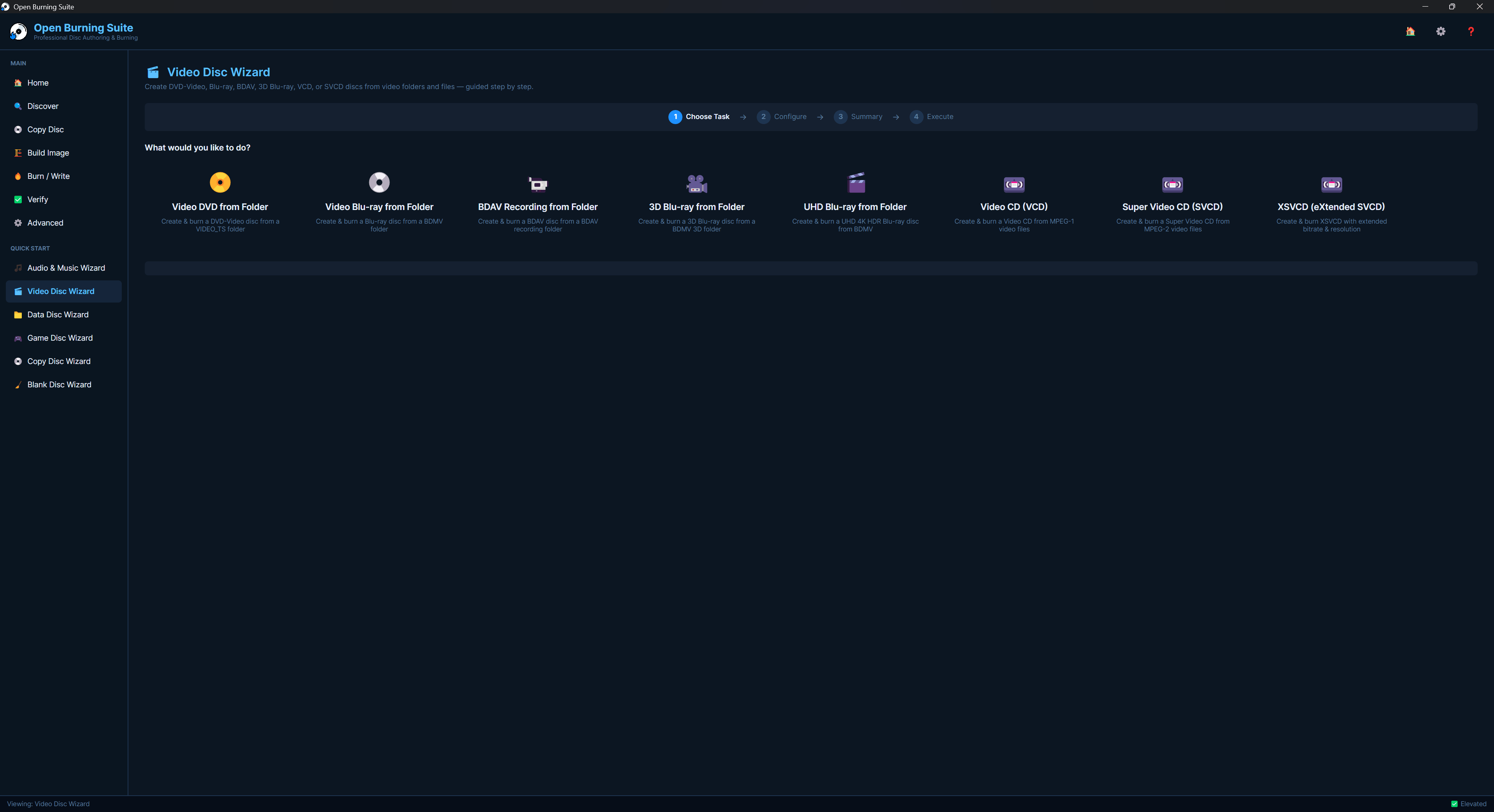
Author DVD-Video (VIDEO_TS), Blu-ray BDMV, BDAV and Blu-ray 3D discs. FFmpeg-based transcoding with VCD/SVCD/XSVCD support.
🎵
Audio CDs
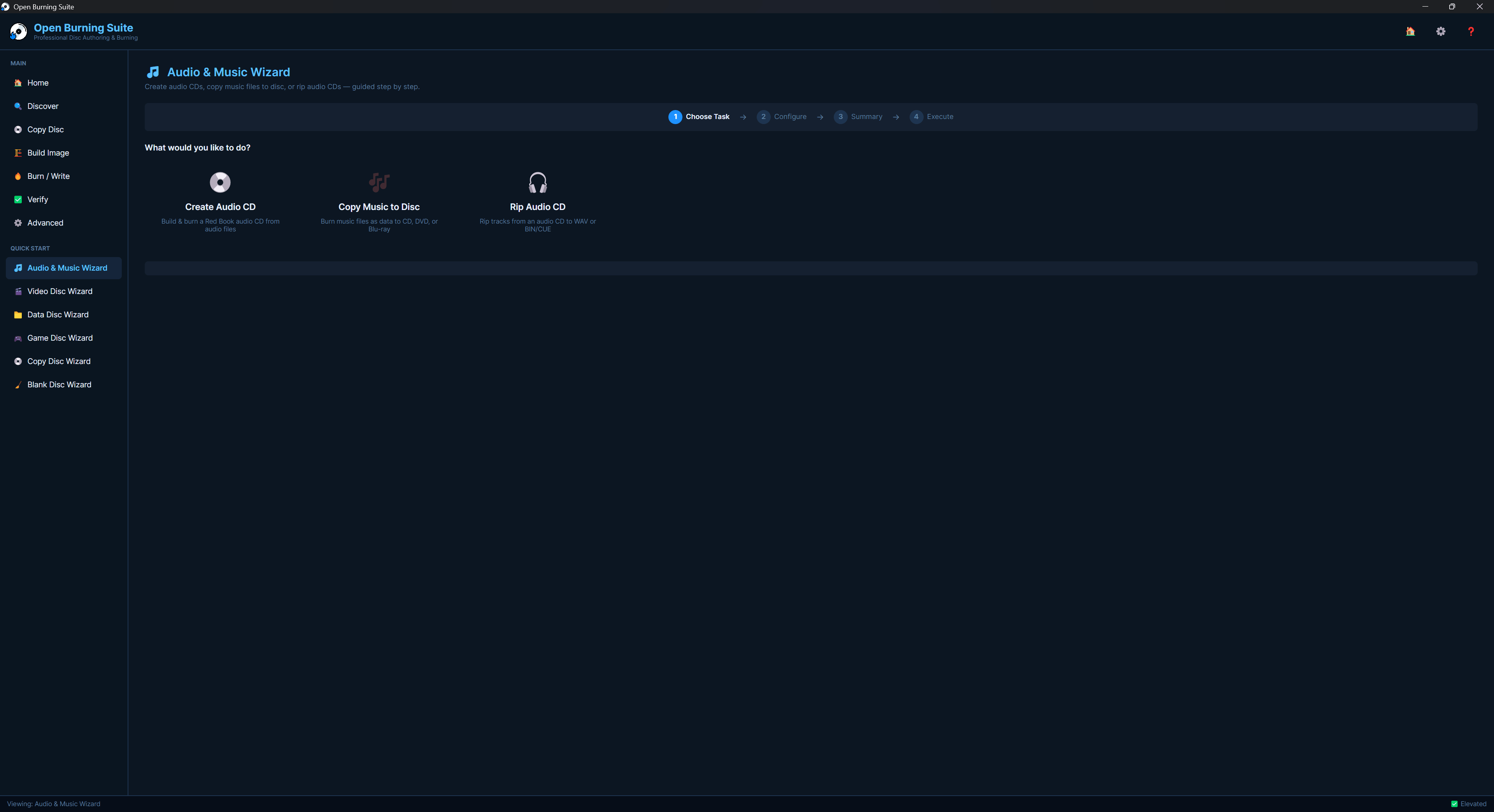
Create audio CDs with CD-TEXT. Rip audio to WAV or BIN/CUE. Import M3U, PLS, WPL and ASX playlists. Copy music files directly to disc.
🔒
Encryption
AES-256-CBC disc image encryption with password protection (.obse format). PS3 disc decryption via IRD/dkey/hex files.
🧙
Quick Start Wizards
Step-by-step wizards for Audio, Video, Data, Gaming, Copy and Blank/Erase discs. No experience needed — just follow the prompts.
💿
Disc Info Panel
View detailed drive and media information: MID, ATIP, physical format, supported write speeds, buffer info, firmware version and serial number.
🖥️
Cross-Platform
Runs natively on Windows, Linux and macOS with a consistent Fluent design interface. Built with .NET 8 and Avalonia UI.
⚙️
Advanced Tools
Disc erase and format (quick/full), eject/load tray, finalization, M-DISC archival mode and real-time disc visualization via SkiaSharp.